You pressed the brake. Nothing. You tapped the screen. Nothing. The car that worked an hour ago is a silent box in a parking lot. Walk through this list before you make the call. Seven causes cover almost every Tesla won’t start situation we see in this metro, and at least four are fixable without a tow in a DC-area garage.
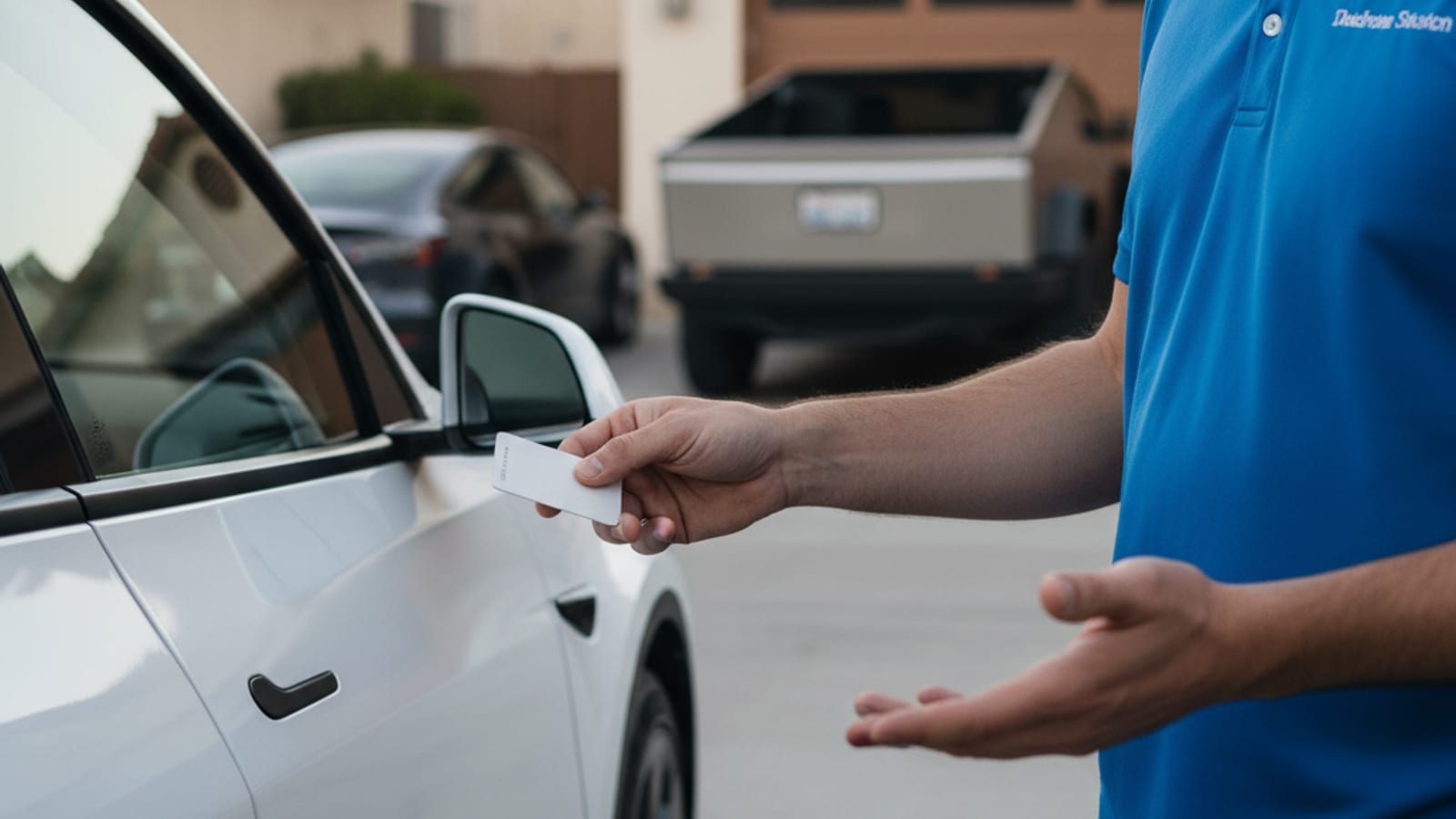
Read through the whole list first. Then work it top to bottom.
Step 1: Dead 12-volt battery
The 12-volt battery wakes the screens, the locks, and the high-voltage contactors. When it dies, the car looks fully dead. The traction pack may still hold miles.
How to confirm it: door handles don’t auto-present, the touchscreen stays black, turn signals and interior lights don’t respond, the frunk won’t release from the app.
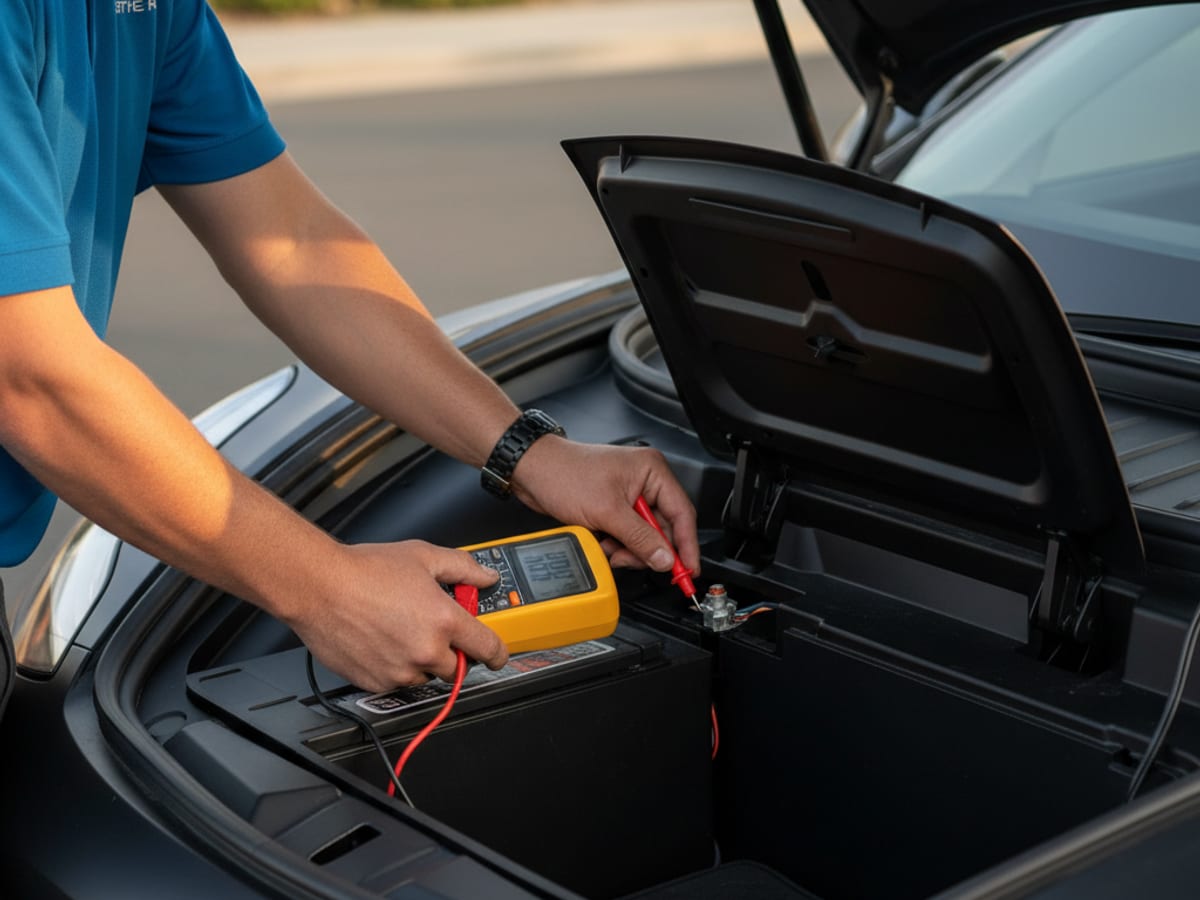
How to handle it: jump the 12-volt from the tow-eye access terminals on Model 3 and Model Y, or from the front fascia on Model S and Model X. Use a lithium jump pack, never another car. If the car wakes up and stays on, drive it to a Supercharger or plug in at home for an hour so the DC-DC converter tops the 12-volt properly.
A car that sat all weekend at the Bethesda Row garage, the Westfield Wheaton decks, the Dulles Economy Lot, or the Reagan National garages often comes back to a 12-volt too low to wake. The pros we connect you with jump or replace that 12-volt on site. They quote you before starting and bill you directly.
Step 2: PIN to Drive lockout
If the car powers on, the screen works, and the shifter is live, but the car asks for a PIN you don’t have, you’ve got PIN to Drive enabled.
How to confirm it: the screen shows a PIN entry keypad. Four-digit code.
How to handle it: enter the PIN. If you don’t remember it, you have three options. Open the Tesla app, go to Settings then Safety then Security then PIN to Drive. If the car is online, you can reset it from another logged-in device. The same path is on the Tesla account website. If you’re locked out of the account too, that’s a service call with proof of ownership. Nobody can bypass this. By design.
Step 3: Valet mode left on
Valet mode caps speed, locks the frunk and glovebox, and blocks access to several features. If someone turned it on and forgot, the car behaves strangely but never fully won’t start.
How to confirm it: you can drive, but can’t go above 70 mph. The frunk won’t open. Home address is hidden.
How to handle it: from the screen, tap the driver profile icon then Valet. Enter the PIN you set. Most people set the last four of their phone or card, so try that first.
Step 4: Main pack empty
If the last time you charged, the car sat at 18 percent and you drove to work and parked in Sentry for eight hours, you can come back to a car that has no energy left. The traction pack might be below the zero on the dash. The software won’t let it go to true zero, but it’ll refuse to drive.
How to confirm it: the screen comes on. The display says “Unable to drive, plug in vehicle.” Range reads zero or shows nothing.
How to handle it: plug in. Any Level 1 or Level 2 charger. Within roughly 20 minutes the car allows limited driving again. If you’re not near a charger, this is when the pros we connect you with bring a 240-volt Level 2 source to the car. They typically add 10 to 20 miles of range in 15 to 30 minutes of charging. That is charging time, never an arrival time.
Step 5: Parking brake stuck
Rare, but possible after a cold night or a long sit. The electronic parking brake doesn’t release when you press the brake and select Drive. The car sits.
How to confirm it: the screen shows a red brake warning. You hear a click when shifting but the car won’t roll.
How to handle it: shift to Park. Press the brake pedal firmly. Try Drive again. If the brake still won’t release, don’t keep cycling it. Call a local operator for a 12-volt check first. A low 12-volt can prevent the parking brake module from releasing.
Step 6: Software freeze
Sometimes the screen is on but the car behaves like it isn’t. The touchscreen is frozen, the gear selector doesn’t respond, the brake pedal feel is wrong.
How to confirm it: a soft reset works on most modern Teslas. Hold both steering wheel scroll buttons for about 10 seconds until the screen goes black, then release. The Tesla logo appears and the system reboots. Try this once. If the car wakes up, the issue was a software freeze, not a hardware fault.
Step 7: High-voltage isolation fault
The rare case. A crash, a deep water event, or a charging-station fault can trigger a high-voltage isolation fault. The car refuses to drive and may show a warning to exit the vehicle.
How to confirm it: the screen shows an isolation warning or asks everyone to exit. There may be a smell of hot electronics or visible damage.
How to handle it: do not attempt to jump or move the car. Call 911 if the scene is unsafe. A local mobile operator is not the right tool for this. The car needs a Tesla Service Center or qualified high-voltage shop.
Where this list saves you in this metro
A stall on the Woodrow Wilson Bridge sits at the meeting point of Alexandria, Oxon Hill, and the District. The American Legion Bridge is the same pinch between McLean and Montgomery County. A car that won’t start on the Beltway shoulder is one of two things: dead 12-volt or empty pack. Most other failures show a warning text on the screen.
Census ACS figures put pre-1980 housing at 70.3 percent in Washington, 90.0 percent in Takoma Park, 79.8 percent in Annandale, 73.1 percent in Wheaton, 61.2 percent in Bethesda, and 69.1 percent in Silver Spring. Many of those blocks don’t have a dedicated home charger circuit. A car parked outside overnight on a cold night loses pressure in the 12-volt faster than a car in a heated garage.
Dulles runs colder and snowier than Reagan National. A typical EV keeps about 80 percent of range at freezing. It keeps about 70 percent at 20F. Sitting in Beltway or I-95 gridlock with heat on spends charge without covering miles, which is the I-270 crawl between Rockville and Gaithersburg and the I-66 crawl through Arlington.
What the pros we connect you with handle on this list
The pros we connect you with are licensed and insured independent operators. They handle Steps 1, 4, and 5 directly. They jump or replace a 12-volt on site. They bring a 240-volt Level 2 source to the car. They handle Tesla and every major EV brand. They bring a native NACS plug, plus CCS or J1772 adapters for non-Tesla cars. The operator quotes you before starting and bills you directly.
Charge Pro DC is a referral line for the District, Maryland, and Virginia. We don’t own trucks, employ technicians, set prices, or hold a trade license. We don’t promise an arrival time. For more on the broader diagnostic path, see our Tesla 12-volt failure signs guide and our Tesla 12-volt dead diagnosis and jump guide.
When to call Charge Pro DC
Call us when Steps 1, 4, or 5 are the situation and you’re not equipped to handle them yourself, or when a 12-volt replacement is what the car actually needs. Have model, pin, charge display, and warning text ready. Call (202) 629-0844 and we’ll connect you with a local EV rescue operator.