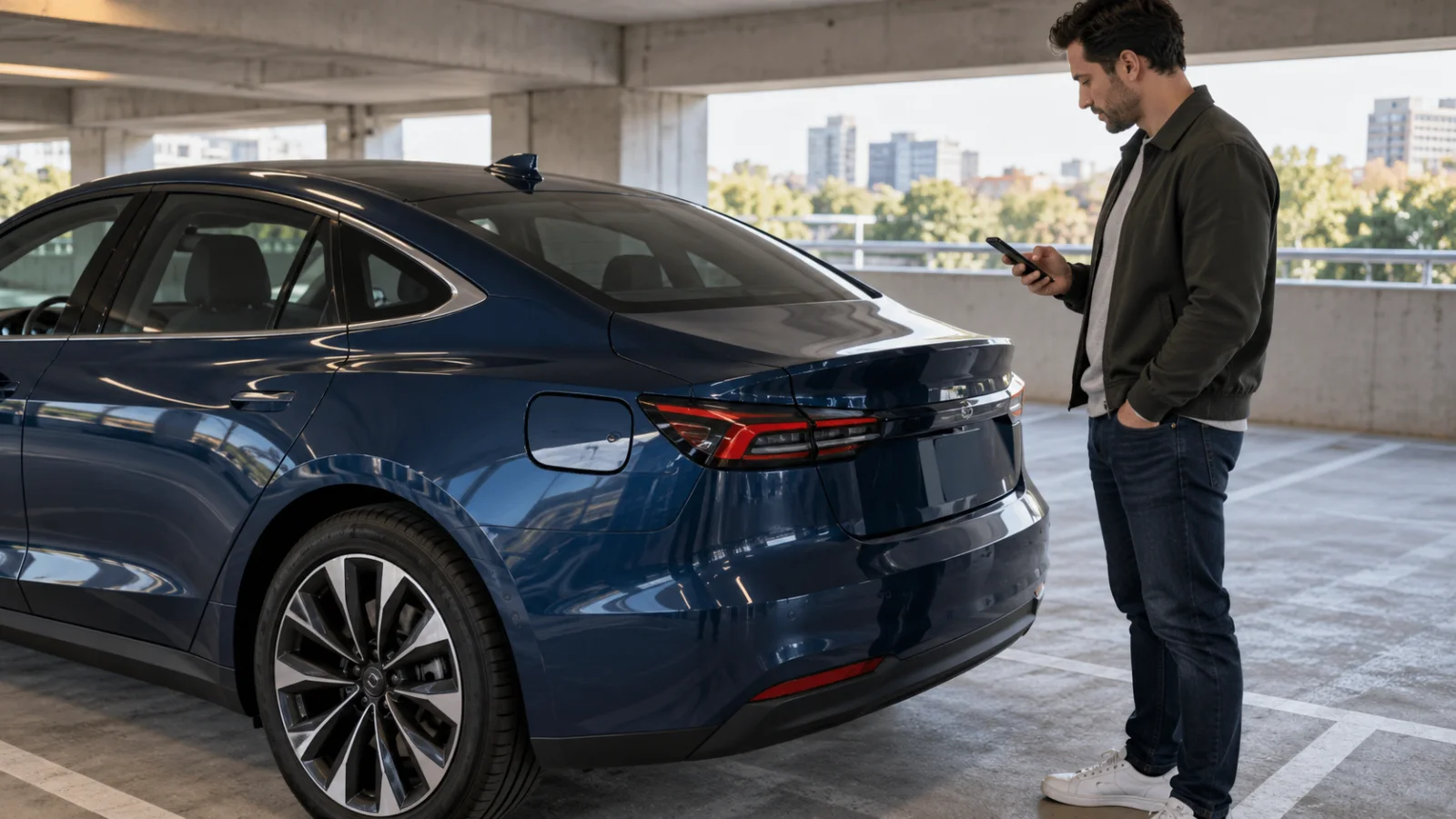
If your Tesla charge port door will not open, put the car in Park. Then try the cable button, touchscreen, app, or unlocked-door method. Wake the car first if it has been asleep. Never pry or force the charge port door.
That order matters. A closed charge port door is not the same problem as a connector trapped inside an open port. The manual release cable addresses a stuck connector. It does not open a closed charge port door.
Start with the controls Tesla lists
Tesla’s current Model 3 manual gives several ways to open the charge port. Try them one at a time while the car is parked.
- Press and release the button on a Tesla charge cable.
- On the touchscreen, select Controls, then the charge port icon.
- Or use Controls > Charging > Open Charge Port.
- Unlock the car with an authenticated phone nearby. Press the bottom of the charge port door.
- If the car has a key fob, hold its rear-trunk button.
- Use the Tesla voice command for opening the charge port.
Older Tesla charging equipment may not open the door from the cable button. That alone does not prove the door actuator has failed. Move to another approved control before assuming the port needs repair.
The exact controls can vary by model, market, and build date. Use the owner’s manual tied to your car when its screen or app differs from these Model 3 steps.
Wake the car before pressing the door again
A sleeping car may ignore the press on the charge port door. Tesla tells Model 3 owners to pull a door handle to wake the vehicle, then try again.
Keep the phone close enough for the car to recognize it. Confirm the car is unlocked. Then press the bottom of the charge port door once. Do not keep pushing harder if nothing happens.
If the touchscreen is dark, the doors will not respond, and the app shows the car offline, record all of those symptoms. Do not treat the closed port door as the only problem. Tesla or the responding operator needs the complete symptom list before proposing a next step.
Cold weather can freeze the latch
Ice can hold the charge port latch in place. Tesla says rear defrost can activate the charge port inlet heater on equipped cars. Preconditioning from the mobile app can also help thaw the latch.
Give those systems time to work. Tesla’s manual is direct: do not force the charge port door open.
When the door opens, follow the alert on the touchscreen and the charging instructions for your exact model.
A closed door is different from a stuck cable
There are two charge-port problems that drivers often describe with the same words.
The first is a door that remains closed. Use the normal opening controls and cold-weather steps for that problem.
The second is a cable that will not come out after charging. Tesla provides a manual release procedure for that situation. The car must not be actively charging. The release cable is pulled before trying to remove the connector, not at the same time.
Do not use the release when orange high-voltage conductors are exposed. If you are not certain which problem you have, stop and contact Tesla service.
Our EV charge-port release guide covers the stuck-connector problem. It is not a shortcut for opening a closed Tesla charge port door.
Read the alert before choosing the next call
Save the exact alert shown by the car. A photo of the screen is more useful than saying the charger is broken.
Also note what still works:
- Does the touchscreen wake up?
- Does the app connect to the car?
- Do the locks respond?
- Does another normal opening method work?
- Is the port iced over?
- Is a cable already connected?
That short list gives Tesla or a roadside operator the complete symptom set before they propose a next step.
When roadside help fits
A charge port that remains closed after the normal controls may need Tesla service. A roadside charging visit cannot add range through a port that will not open.
Roadside help can still fit when the port symptom is part of a larger stall, but the responder must confirm the actual job. Collision damage, exposed wiring, smoke, or heat calls for emergency services and a safe transport plan.
Tesla’s current support path starts in the app. Our Tesla roadside contact guide explains what location and symptom details to have ready.
Charge Pro DC is a referral line. We connect drivers with independent local EV rescue operators. We do not repair Tesla charge ports, employ technicians, set prices, or promise arrival times. The operator confirms the proposed work and quotes it before starting.
If your Tesla is stranded in the DC area and you need help identifying the roadside problem, call (202) 629-0844. We can connect you with an independent operator for the service they confirm on scene.
Frequently asked questions
Should I pry open a Tesla charge port door?
No. Tesla says not to force the door. Try the cable button, touchscreen, app, authenticated-phone method, key fob, or voice control that applies to your car.
Does the manual release cable open the charge port door?
No. The manual release is for a charge cable that remains latched in the port. Stop charging first and follow the manual for your exact model.
What if the screen and app are both offline?
Report that the whole car is unresponsive, not only that the charge port is closed. Note which locks, lights, and screens still work before requesting roadside help.
Can a mobile charger work if the door stays closed?
No. A charging connector needs access to a working charge port. The door or low-voltage issue must be resolved before the car can accept a mobile charge.